Best Productivity Apps to Stay Organized in 2026
Quick Summary
Staying organised has never been more important. Whether you’re managing work projects, studying, running a business, or simply trying to stay on top of everyday tasks, the right productivity app can save hours each week.
In this guide, we compare the best productivity apps available in 2026, including task managers, note-taking tools, team collaboration platforms, and time-tracking apps. Our goal is to help you find the tools that genuinely improve productivity rather than adding unnecessary complexity.
Our Top Picks
🥇 Best Overall: Notion
🥈 Best for Teams: Slack
🥉 Best Free Option: Google Workspace
🏆 Best Task Manager: Todoist
📚 Best Note-Taking App: Obsidian
⏱️ Best Time Tracker: RescueTime
Why Trust BestoSave?
At BestoSave, we help readers find products and services that offer real value.
For this guide, we evaluated productivity apps based on:
- Ease of use
- Features and flexibility
- Collaboration capabilities
- Mobile and desktop experience
- Integration options
- Pricing
- Overall value for money
Rather than simply choosing the most popular apps, we focused on the tools that provide the biggest practical benefits for everyday users.
Why Productivity Apps Matter in 2026
The way we work has changed dramatically.
Remote work, hybrid schedules, freelancing, online learning, and side businesses mean many people now manage multiple responsibilities every day.
Productivity apps help by:
- Organising tasks
- Managing projects
- Tracking deadlines
- Reducing distractions
- Improving communication
- Saving time through automation
The right system can reduce stress while helping you accomplish more.
How We Chose the Best Productivity Apps
There are hundreds of productivity apps available.
To identify the best options, we focused on five key criteria.
Simplicity
The best productivity app should make your life easier, not more complicated.
Flexibility
Users have different needs, so customisation is important.
Cross-Platform Support
Apps should work seamlessly across:
- Windows
- Mac
- Android
- iPhone
- Web browsers
Collaboration
For teams and businesses, communication and project sharing are essential.
Value for Money
Many excellent productivity apps offer free plans that are sufficient for most users.
Best Productivity Apps in 2026
1. Notion
Best Overall Productivity App
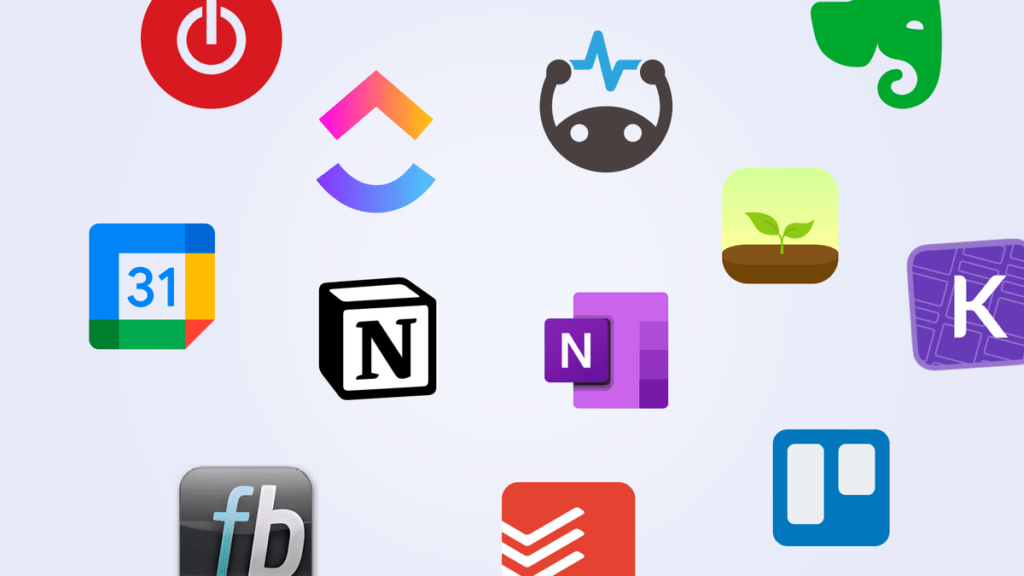
Notion has become one of the most popular productivity platforms in the world.
It combines:
- Notes
- Databases
- Task management
- Project planning
- Knowledge management
into a single workspace.
Pros
✅ Extremely flexible
✅ Excellent templates
✅ Strong collaboration tools
✅ Useful AI features
Cons
❌ Can feel overwhelming for beginners
Best For
Users looking for an all-in-one productivity system.
2. Google Workspace
Best Free Productivity Suite
Google Workspace remains one of the most useful free productivity ecosystems available.
Key tools include:
- Gmail
- Google Docs
- Google Sheets
- Google Calendar
- Google Drive
Pros
✅ Free to start
✅ Excellent collaboration
✅ Cloud-based access
Cons
❌ Limited offline functionality
Best For
Students, freelancers, and small businesses.
3. Todoist
Best Task Management App
Todoist is ideal for people who want a clean and efficient task manager.
Features include:
- Recurring tasks
- Priority levels
- Labels
- Project organisation
- Productivity tracking
Pros
✅ Easy to use
✅ Fast and lightweight
✅ Excellent mobile apps
Cons
❌ Some advanced features require premium plans
Best For
Individuals who want better task organisation.
4. Slack
Best for Team Communication
Slack has become a standard communication platform for modern businesses.
Instead of relying on endless email chains, teams can communicate through organised channels.
Pros
✅ Excellent team communication
✅ Integrates with hundreds of apps
✅ Great search functionality
Cons
❌ Free version has limitations
Best For
Remote and hybrid teams.
5. Obsidian
Best Note-Taking App
Obsidian takes a unique approach to note-taking by allowing users to create links between notes.
Over time, this creates a personal knowledge network.
Pros
✅ Powerful note organisation
✅ Works offline
✅ Highly customisable
Cons
❌ Learning curve for beginners
Best For
Researchers, writers, and knowledge workers.
6. RescueTime
Best Time Tracking App
Many people believe they are productive until they see how they actually spend their time.
RescueTime automatically tracks computer and mobile activity to provide detailed productivity insights.
Pros
✅ Automatic tracking
✅ Detailed reports
✅ Focus tools
Cons
❌ Premium version required for advanced features
Best For
People who want to understand and improve their work habits.
Comparison Table
| App | Best For | Starting Price |
|---|---|---|
| Notion | All-in-one productivity | Free |
| Google Workspace | Everyday productivity | Free |
| Todoist | Task management | Free |
| Slack | Team communication | Free |
| Obsidian | Note-taking | Free |
| RescueTime | Time tracking | Free |
Free vs Premium Productivity Apps
One of the biggest questions people ask is whether premium plans are worth paying for.
In many cases, free plans are more than sufficient.
Consider upgrading only if you need:
- Team collaboration
- Advanced reporting
- Additional storage
- AI features
- Premium support
For most individuals, free versions provide excellent value.
Productivity Tips Beyond Apps
Even the best app won’t help if your workflow is disorganised.
Here are a few simple habits that can dramatically improve productivity:
Use One Main Task System
Avoid spreading tasks across multiple apps.
Schedule Deep Work Sessions
Block dedicated time for focused work.
Review Tasks Weekly
A weekly review helps prevent important tasks from slipping through the cracks.
Reduce Notifications
Constant interruptions reduce productivity more than most people realise.
Frequently Asked Questions
What is the best productivity app overall?
For most users, Notion offers the best combination of flexibility, organisation, and value.
Are free productivity apps enough?
Yes. Many free productivity apps are powerful enough for students, freelancers, and small business owners.
Which app is best for teams?
Slack remains one of the best communication tools for teams and remote workers.
Is Notion better than Evernote?
Notion offers significantly more flexibility, while Evernote remains simpler for traditional note-taking.
Do productivity apps actually improve productivity?
They can, but only when combined with good habits and consistent use.
Final Verdict
The best productivity app depends on your personal workflow and goals.
If you’re looking for a complete productivity system, Notion is our top recommendation thanks to its flexibility and powerful features.
For task management, Todoist remains one of the easiest and most effective options available. Teams will benefit from Slack’s communication tools, while Obsidian is ideal for people who manage large amounts of information and notes.
Remember that productivity is not about using the most apps. It is about choosing a few tools that help you stay organised, reduce stress, and focus on what matters most.
Start with one or two of the apps in this guide, build a simple system, and gradually improve it over time.